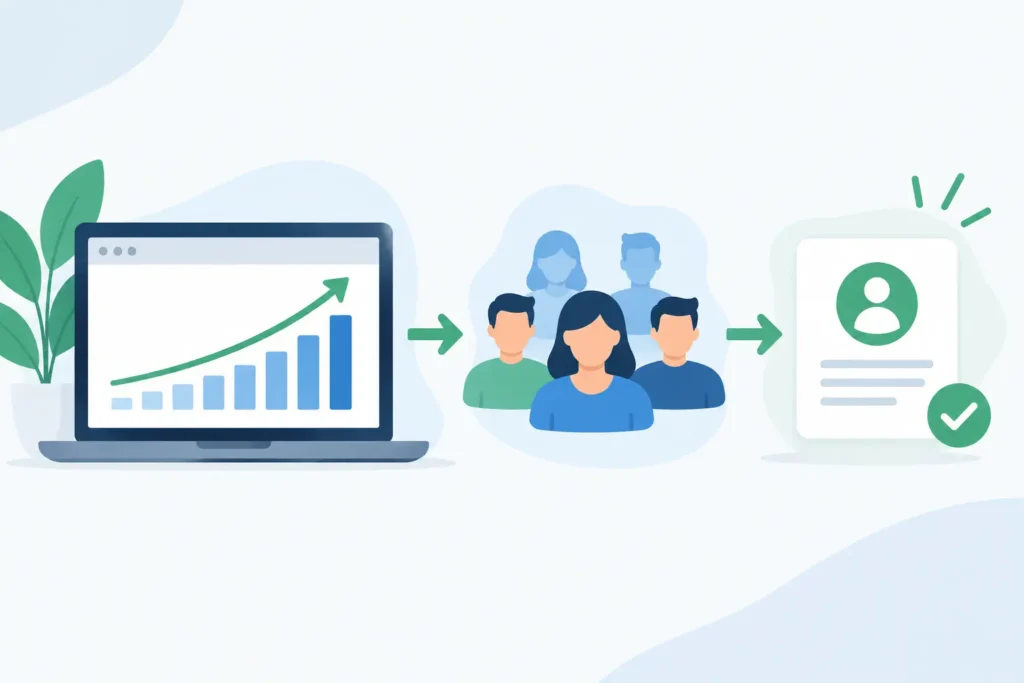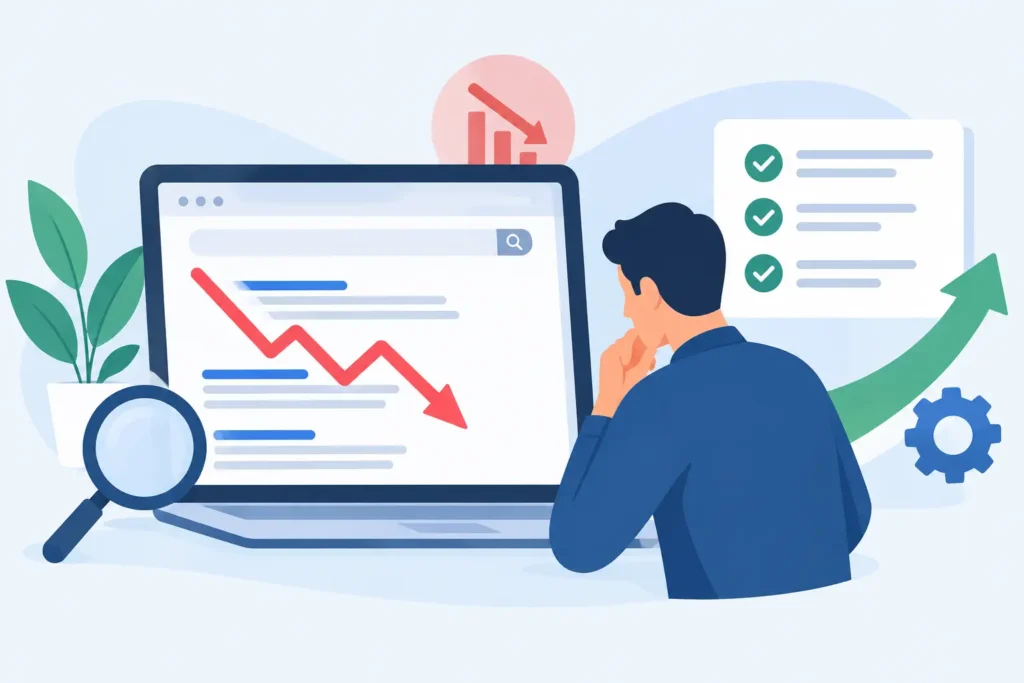

A high-value service page that gets impressions but few rankings is rarely just a content problem. Often, Google and users cannot see how that page fits into the rest of the site. An internal linking strategy guide fixes that visibility gap by connecting your most valuable pages to the supporting content, categories, and conversion paths that give them context.
Internal links are not a box to check after publishing. They are part of the website’s operating system. Done well, they help search engines understand topic relationships, distribute authority toward commercial pages, and move qualified visitors from research to action. Done poorly, they create noise, waste crawl attention, and send prospects in circles.
What Internal Linking Should Deliver
For a business website, internal linking has three jobs: improve discoverability, clarify relevance, and create a more direct path to conversion. The first two influence organic performance. The third determines whether additional traffic becomes leads, sales, or revenue.
Search engines use internal links to find pages and interpret their relationships. A page with no meaningful internal links can still be indexed, but it is harder to position as an important destination. By contrast, a well-supported page receives clear signals from related content and stronger routes for crawlers to reach it.
The commercial benefit is just as practical. Someone reading an article about website speed may need a technical SEO audit. A visitor comparing ecommerce platforms may be closer to a development project. Relevant links allow each page to do its job without forcing every article to become a sales pitch.
That distinction matters. The goal is not to put the same service link in every paragraph. The goal is to create a site structure where the next click is genuinely useful and commercially logical.
Build Your Internal Linking Strategy Around Revenue Pages
Start with the pages that create business value. For most service businesses, these are core service pages, industry pages, high-intent landing pages, case studies, and contact or consultation pages. For ecommerce brands, they may be priority category pages, collections, buying guides, and products with healthy margins or strategic inventory.
These are your destination pages. They should not depend on a single menu link or a footer mention to earn visibility. They need contextual support from pages that explain related problems, methods, comparisons, and use cases.
A practical way to plan this is to map your site into topic clusters. Each cluster has a central commercial or category page, supported by closely related educational pages. For example, a technical SEO service page could be supported by articles on crawl errors, site migrations, Core Web Vitals, indexation problems, and structured data. Each supporting page can link naturally to the main service page when the reader needs implementation rather than another explanation.
The cluster should also work in reverse. The service page should point to relevant supporting articles where visitors need proof, education, or a clearer view of the process. This strengthens the topic relationship and gives prospects a better path through the decision.
Do not treat every page as equally important. A website with 300 articles and 10 revenue-driving pages should not spread attention evenly across all 310 URLs. Prioritize the pages that support your growth targets, then build logical internal pathways around them.
Use a Page Hierarchy Before Adding Links
A clear hierarchy prevents random linking. At the top are your core offerings or primary categories. Under those sit specific services, subcategories, industries, and use cases. Supporting content sits below them, answering narrower questions and capturing earlier-stage searches.
This hierarchy should be reflected in navigation, breadcrumbs where appropriate, category structures, and contextual links within copy. If a user lands on a detailed article, they should be able to reach the relevant commercial page within one or two intentional clicks.
Flat architecture is not always better. A large ecommerce site may need several category layers to remain usable. The right structure depends on catalog size, search demand, and customer behavior. What matters is that important pages are not buried behind unnecessary clicks or disconnected from the content that supports them.
Choose Anchor Text That Makes the Relationship Clear
Anchor text tells users and search engines what to expect after the click. Vague phrases such as “learn more,” “click here,” or “this page” provide little context when used repeatedly. Descriptive anchors are better because they name the subject and explain the relevance of the destination.
If an article covers slow page performance, an anchor such as “technical SEO services for site speed and indexation” is clearer than “our services.” It sets an expectation without sounding forced.
Exact-match anchors have a place, but repetition is the problem. Linking to the same page with the identical keyword dozens of times can look unnatural and makes content read like it was written for a crawler instead of a buyer. Use natural variations based on the sentence: technical SEO audit, resolving indexation issues, improving website performance, or technical SEO support.
Place links where the reader has a reason to continue. A link at the end of a useful explanation, immediately after a relevant pain point, or beside a decision point will usually outperform a generic block of related pages. Context is more valuable than volume.
Audit Existing Content Before Publishing More
Many businesses have enough content to improve internal linking today. The issue is usually that older posts do not connect to newer service pages, priority pages receive too few contextual links, or outdated URLs still absorb internal attention.
Begin with a crawl of the site and identify pages with the most internal links, pages with very few internal links, orphaned pages, broken links, redirects, and deep pages that take too many clicks to reach. Then compare that data with business priorities and organic performance.
A page with strong backlinks, rising impressions, and a clear conversion role is a prime candidate for additional internal support. A page that has no search demand, no conversion value, and outdated information may need consolidation rather than more links.
This is where judgment matters. More internal links do not automatically mean better rankings. A heavily linked page may already have strong prominence but weak content, poor search intent alignment, or technical barriers. Internal linking can amplify a sound page. It cannot compensate for a page that fails to answer the query.
Find Contextual Link Opportunities Efficiently
Review pages by topic rather than editing one URL at a time. If you are improving a core conversion-rate optimization page, gather every related article on landing pages, checkout friction, conversion tracking, website UX, and A/B testing. Add links where they improve the reader’s next step, not where they merely add another mention.
Also review the destination page. Add links back to the strongest supporting resources, case studies, or relevant next actions. This creates a connected pathway rather than a one-way funnel.
For established sites, maintain a simple internal-linking tracker. Record the destination page, source page, anchor text, date added, and reason for the link. This is especially useful when multiple writers, SEO specialists, and developers contribute to the site. It turns a scattered editorial task into a managed growth process.
Protect User Experience While Building Authority
Internal links should reduce friction, not create it. Too many links in a short section distract the reader and weaken the priority of each one. A paragraph with three destination options can create hesitation when one clear next step would have been better.
Keep the page’s intent in view. An informational article should primarily answer the question that earned the visit. Add commercial links when they are a logical extension of that answer. A sales page should build confidence and clarify the offer, with supporting links used to address objections or provide evidence.
Avoid linking every mention of a term. Avoid sending users to pages that repeat the same information. And avoid using sitewide links to artificially inflate the importance of a page. Navigation and footer links are useful, but contextual links within relevant content carry the stronger relevance signal and provide a better experience.
Measure the Results as Part of Ongoing SEO
Treat internal linking as a testable system, not a one-time cleanup. Track rankings, impressions, organic entrances, crawl behavior, conversions, and assisted conversions for the pages you support. Give changes time to be crawled and evaluated, especially on larger sites.
Look for patterns rather than expecting every new link to produce an immediate ranking jump. You may see a priority page gain impressions first, then improve positions, then attract more qualified sessions. You may also discover that users move more effectively from educational content into service pages, even before rankings materially change.
At 3Q Studio, this work belongs inside continuous website growth because content, technical health, conversion paths, and reporting affect one another. A well-linked site is easier to understand, easier to navigate, and easier to improve month after month.
The best next move is usually not adding fifty links this afternoon. Choose one revenue-critical page, identify the five to ten existing pages that genuinely support it, and build the clearest paths between them. That is how internal links start compounding into stronger organic visibility and more purposeful buyer journeys.