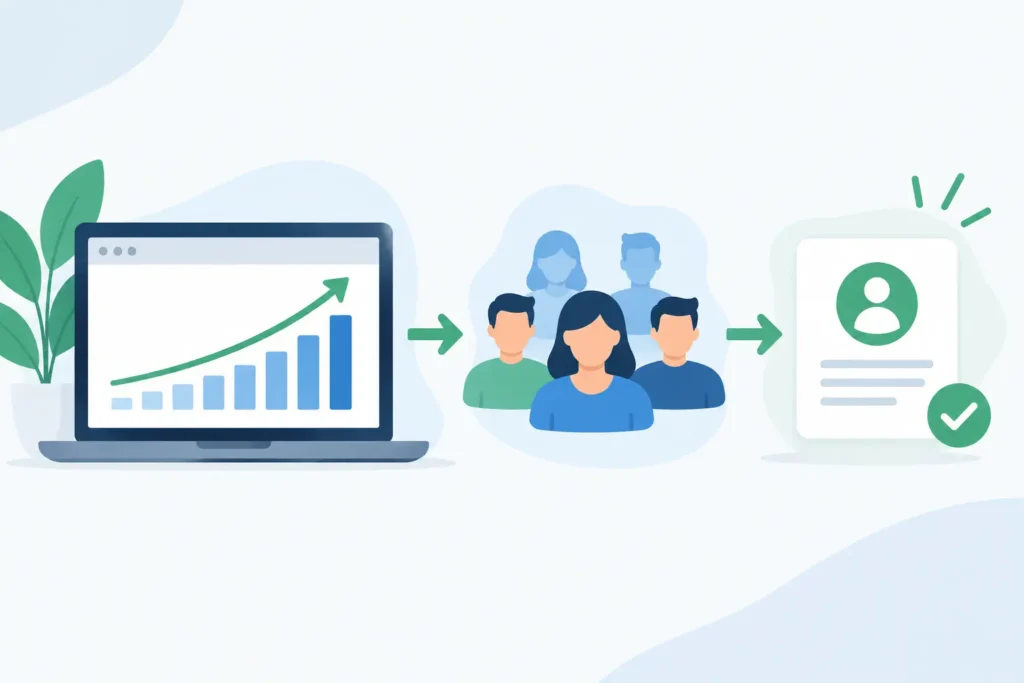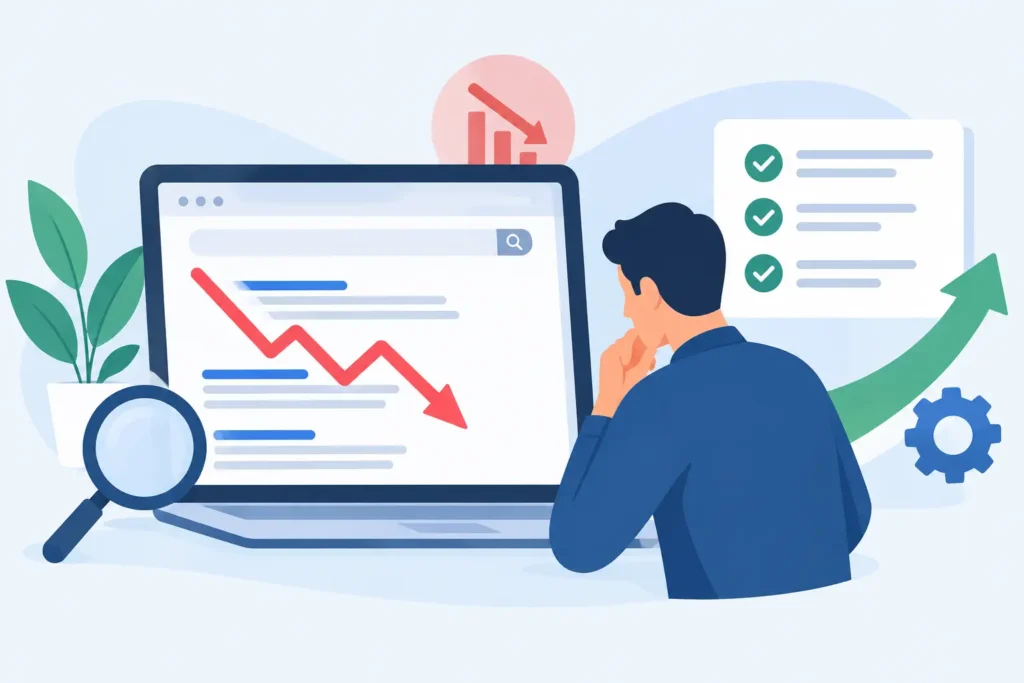

A website can be generating qualified leads on Monday and quietly losing them by Friday. A plugin conflict breaks a form. A core update creates a layout error on mobile. A slow server response pushes a high-intent visitor back to Google. These are not minor technical inconveniences. They are revenue leaks.
WordPress website maintenance for businesses is the operating discipline that prevents those leaks while keeping your site ready to attract, convert, and scale. It is not a once-a-month plugin update. Done properly, it connects security, performance, SEO, conversion tracking, content, and reporting into one ongoing system.
For businesses that rely on organic search, ecommerce revenue, or lead generation, the question is not whether a site needs maintenance. The real question is whether that maintenance is protecting the business and producing measurable progress.
WordPress Website Maintenance for Businesses Is Revenue Protection
A website launch is a starting point, not a finish line. Search algorithms change, competitors publish better content, software vendors release updates, and customers change how they research and buy. A site that remains untouched will eventually become slower, less secure, harder to manage, and less competitive in search.
The cost is often hidden at first. Rankings may slip gradually because crawl errors are not resolved. A contact form may stop routing inquiries to the right inbox. Product pages may load slowly enough to depress conversion rates without triggering an obvious alarm. By the time the issue becomes visible in monthly revenue, the business may have already lost opportunities.
Maintenance creates a controlled process for catching problems early, fixing them safely, and improving the areas that affect commercial performance. That distinction matters. A developer can keep WordPress technically functional. A growth-focused partner maintains the site while asking whether it is loading faster, ranking for the right terms, capturing leads correctly, and turning more visits into action.
What Ongoing Maintenance Should Actually Cover
A credible maintenance program has technical foundations, but it should not end there. The exact scope depends on the complexity of the site. A five-page service business website does not require the same operational attention as an ecommerce store processing transactions across multiple markets. Both, however, need consistent oversight.
Secure Updates and Safe Recovery
WordPress core, themes, plugins, and integrations require regular updates. Delaying every update creates security exposure. Applying every update immediately on a live website can create just as much trouble.
The right approach is controlled testing. Updates should be reviewed, tested in a staging environment when the site is complex or revenue-critical, and deployed with a verified backup available. If an update affects checkout, forms, page speed, or a custom Elementor component, the team needs a clear rollback path.
Backups deserve more attention than they usually receive. A backup is only useful if it is recent, stored independently, and can be restored quickly. Businesses should know how often backups run, where they are held, and who is responsible when recovery is needed. Vague assurances are not a recovery plan.
Performance Monitoring That Supports Conversion
Speed is not only an SEO consideration. It shapes the experience of every visitor who arrives from a search result, paid campaign, referral, or email. A delayed page can weaken trust before the visitor sees the offer, proof points, or call to action.
Performance maintenance includes monitoring page load behavior, image weight, caching, database health, script bloat, and hosting response time. It also means investigating the cause instead of applying a temporary patch. Adding another optimization plugin may help in some cases, but it can create conflicts or duplicate functions in others.
The goal is a site that stays fast as new pages, campaigns, tracking tools, and content are added. This is especially relevant for businesses using Elementor, WooCommerce, CRM integrations, chat tools, and advanced analytics. Every added feature carries a performance trade-off that needs to be managed deliberately.
Technical SEO That Keeps Pages Eligible to Rank
Search visibility can be damaged by small errors that go unnoticed: accidental noindex tags, broken internal links, duplicate page versions, redirect chains, missing metadata, or pages that Google cannot crawl efficiently. These issues do not always cause an immediate ranking collapse, but they limit the site’s ability to build organic momentum.
Ongoing technical SEO checks protect the foundation. They identify indexing anomalies, broken pages, sitemap issues, schema errors, slow templates, and changes in search performance. The strongest programs also connect the findings to business priorities. Fixing a broken link on a low-value archive page is not equal to resolving an indexing issue on a core service page or high-margin product category.
This is where maintenance becomes part of a growth system. The work should support the pages, topics, and conversion paths that matter most to pipeline and revenue.
Form, Checkout, and Tracking Validation
A lead form that appears to work but fails to deliver notifications is one of the most expensive website failures a business can have. The same applies to broken booking tools, failed checkout steps, expired payment integrations, and inaccurate conversion tracking.
These functions need active testing. Forms should be submitted, confirmation messages reviewed, CRM routing verified, and spam protection checked. Ecommerce businesses should test the path from product selection through payment confirmation. Analytics events should be audited after major site changes so marketing decisions are not based on incomplete data.
Without reliable tracking, teams cannot tell which pages create leads, which channels drive qualified traffic, or where prospects abandon the journey. That turns marketing into guesswork.
Maintenance Should Include Planned Improvement
Keeping a website stable is necessary. Leaving it unchanged is not a growth strategy.
Every month creates new evidence: search queries that bring visitors, pages with declining engagement, service pages that receive traffic but do not convert, and landing pages with unusually high exit rates. A smart maintenance cadence turns that evidence into focused improvements.
That might mean revising a service page to better match search intent, strengthening internal links to a priority page, improving mobile calls to action, compressing images on a slow template, or adding clearer proof near a form. These changes are often modest individually. Over time, they compound into stronger rankings, higher conversion rates, and more efficient acquisition.
Content also benefits from maintenance. Outdated claims, old team information, discontinued services, stale case studies, and thin pages can weaken credibility. Refreshing valuable pages is frequently more efficient than publishing new content without a clear search or conversion purpose.
At 3Q Studio, this is the difference between handing over a website and operating a managed growth asset. The site is continually assessed against outcomes: qualified traffic, leads, conversions, and revenue.
How Often Should a Business Maintain Its WordPress Site?
Some activities need continuous monitoring, while others work best on a weekly or monthly schedule. Uptime, security alerts, backups, form delivery, and urgent errors require immediate attention. Software updates may be handled weekly, depending on the site’s setup and risk level. Technical SEO reviews, performance checks, analytics analysis, and conversion improvements are commonly managed monthly.
For high-traffic ecommerce stores, membership sites, publishers, and businesses running active campaigns, the cadence should be tighter. These websites have more moving parts and more direct revenue at risk. A simple brochure site may require fewer interventions, but it should still receive structured maintenance rather than occasional emergency support.
The best schedule reflects the cost of failure. If one missed lead or one hour of checkout downtime has a meaningful commercial impact, maintenance cannot be treated as an afterthought.
What to Expect From a Maintenance Partner
A maintenance provider should offer more than a generic statement that updates are complete. Business leaders need visibility into what changed, what was found, what was fixed, and what should happen next.
Useful reporting connects technical work to commercial context. It can show completed updates and backups, but it should also surface page-speed trends, resolved SEO issues, organic traffic movement, conversions, form performance, and prioritized recommendations. The point is accountability, not a long report full of metrics that do not influence decisions.
Ask who owns urgent support, how updates are tested, whether staging is included, how backups are validated, and whether SEO and conversion work sit inside the same process. Fragmented vendors often create fragmented accountability. One team blames hosting, another blames a plugin, and nobody owns the result.
A single accountable growth partner can make faster decisions because technical changes, search priorities, analytics, and conversion goals are considered together.
Treat Maintenance as an Operating Advantage
The businesses that win more from their websites are rarely the ones with the flashiest launch. They are the ones that keep improving the asset after launch, protect it from avoidable failures, and use real performance data to guide the next move.
Set a maintenance standard that matches the value your website is expected to produce. When your site is managed as a living revenue engine rather than a finished design project, each month becomes another opportunity to strengthen the foundation and build compounding results over time.