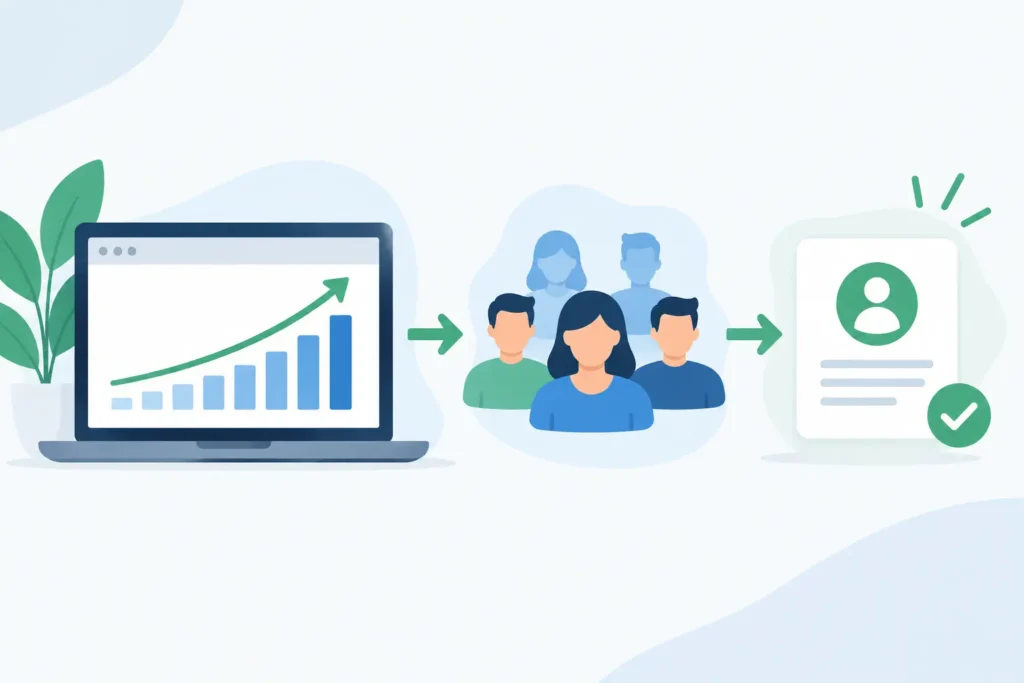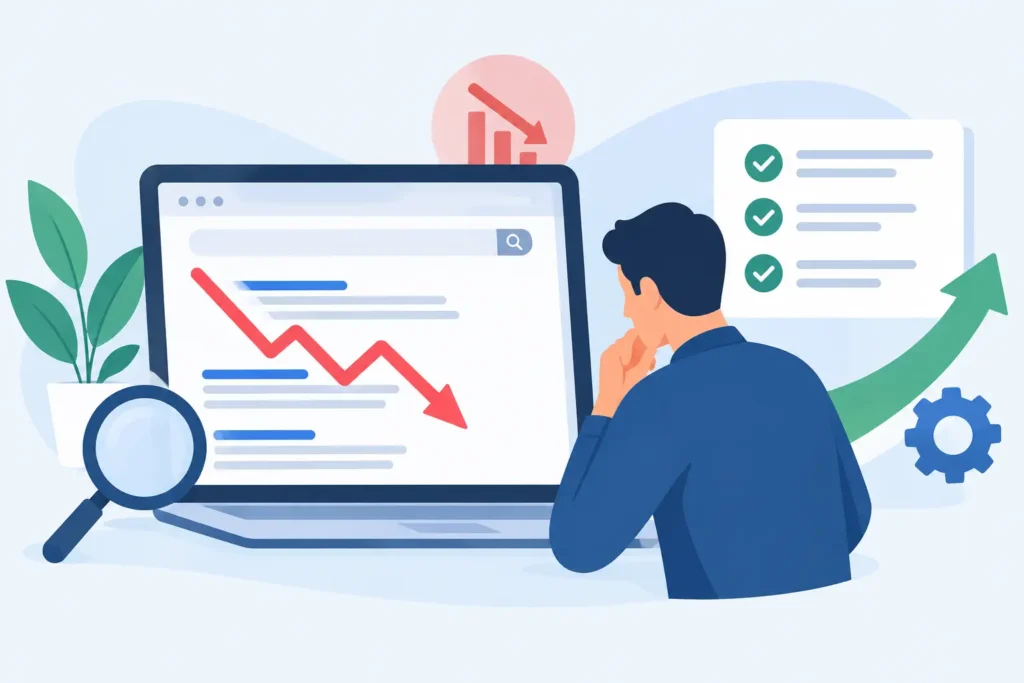

A WordPress site can look polished, publish regularly, and still lose qualified traffic because search engines cannot efficiently crawl, understand, or trust key pages. That is where a technical SEO audit for WordPress earns its place. It identifies the friction beneath the visible site – the issues that suppress rankings, slow users down, and turn an otherwise capable website into a weak revenue engine.
For growth-focused businesses, the point is not to collect a long list of warnings from an SEO tool. The point is to find the highest-impact constraints, fix them in the right order, and create a platform that can attract, convert, and scale.
What a WordPress Technical SEO Audit Actually Covers
Technical SEO is the operating condition of your website. It determines whether search engines can discover pages, process them correctly, select the right version for their index, and deliver them quickly enough to users. On WordPress, that condition is shaped by far more than the core platform. Your theme, page builder, plugins, hosting environment, caching configuration, redirects, and content workflows all play a role.
A proper audit connects those moving parts to commercial outcomes. A blocked service page can mean fewer leads. Duplicate category pages can dilute the signals that should support a product collection. A slow mobile experience can reduce both organic visibility and conversion rate. These are not isolated technical defects. They are growth constraints.
The audit should examine crawlability, indexation, site architecture, page experience, structured data, redirects, internal linking, and the technical health of content templates. It should also assess analytics and tracking, because decisions made on incomplete data are rarely accountable decisions.
Start With Crawlability and Indexation
Search visibility begins before rankings. Google must be able to access your important pages and decide that they deserve a place in the index. WordPress sites frequently create confusion here, especially after redesigns, migrations, plugin changes, or periods of fast content production.
First, review robots directives, XML sitemaps, canonical tags, and meta robots settings. A staging setting left active after launch can prevent an entire site from appearing in search. Individual pages may be marked noindex by an SEO plugin, a page template, or a developer setting. XML sitemaps can include URLs that redirect, return errors, or offer little search value.
Then compare the pages you want to rank with the pages search engines have indexed. This reveals gaps that a visual website review will miss. A page may be live and accessible to visitors but absent from search because it has weak internal links, unclear canonical signals, duplicate content, or little evidence of unique value.
Indexation is not always a case of “more is better.” Ecommerce filters, internal search results, tag archives, attachment pages, and thin author archives can create thousands of low-value URLs. In some cases, these pages should be consolidated, noindexed, or prevented from generating at all. The right choice depends on whether a page serves a genuine search demand and supports a meaningful business goal.
Fix Site Architecture Before Publishing More Content
A site with excellent articles and service pages can still underperform when its structure forces users and crawlers to work too hard. Important commercial pages should be close to the homepage, supported by relevant category or service hubs, and connected through contextual internal links.
WordPress installations often develop architecture problems gradually. A new service is added as a standalone page. A campaign landing page becomes permanent. Blog categories overlap. Old pages remain published after a positioning change. The result is a site that has content, but not a clear hierarchy.
An audit should map the relationship between core services, industry pages, products, resources, and conversion pages. It should flag orphan pages with no meaningful internal links, overly deep URLs, broken navigation paths, and pages competing for the same search intent.
This is where technical SEO and content strategy meet. If three pages target nearly identical terms, the answer is not automatically to rewrite all three. One may need to become the primary page, while the others are consolidated, redirected, or repositioned for a distinct intent. Clear architecture helps authority compound instead of fragmenting it across competing URLs.
Make WordPress Faster Without Breaking the Site
Speed work is one of the most mishandled parts of a technical SEO audit for WordPress. Teams install a caching plugin, see a score improve, and assume the job is done. But scores are only a signal. The practical question is whether real visitors can load, interact with, and convert on critical pages without delay.
Common WordPress performance issues include oversized images, excessive JavaScript from plugins, unoptimized fonts, render-blocking assets, bloated page-builder markup, slow server response times, and third-party scripts such as chat tools, tracking tags, and embedded widgets. Elementor-based sites can perform very well, but they need disciplined component use, optimized assets, and a sensible plugin stack.
There are trade-offs. Removing scripts may improve speed but eliminate useful attribution data or sales functionality. Aggressive caching can conflict with logged-in experiences, dynamic pricing, ecommerce carts, or personalization. The goal is not the fewest possible plugins or a perfect lab score. The goal is a fast, stable experience that protects measurement and conversion paths.
Prioritize the templates that drive revenue: homepage, service pages, product pages, category pages, lead forms, and checkout. Improving a low-traffic archive page matters less than reducing the load time of the page responsible for most demo requests or purchases.
Review Redirects, Errors, and Migration Debt
Every redesign creates the risk of lost equity. When URLs change without a deliberate redirect plan, existing rankings, backlinks, and referral traffic can disappear. A technical audit reviews 301 redirects, redirect chains, loops, broken internal links, missing pages, and soft 404s.
Redirect chains are particularly common on WordPress sites that have been redesigned more than once. An old URL redirects to a previous replacement, which then redirects again to a newer page. Search engines can usually follow some chains, but each extra hop adds friction and makes maintenance harder. Redirect directly to the final, most relevant destination whenever possible.
Not every old page deserves a redirect. If there is no relevant replacement and no useful search or link value, returning a proper 404 or 410 can be cleaner. The decision should follow user intent, not a blanket rule that every retired URL must point to the homepage.
Validate Structured Data and Page Templates
Structured data helps search engines interpret what a page represents. For a service business, that may involve organization, local business, service, FAQ, review, or breadcrumb markup where it accurately reflects the page. For ecommerce, product, offer, availability, and review data can be especially valuable.
The key word is accurately. Schema markup does not manufacture rankings, and misleading markup creates risk rather than advantage. An audit checks for valid implementation, duplication from competing plugins, missing required fields, and markup that no longer matches what visitors can see.
Template-level checks matter because WordPress repeats issues at scale. A missing canonical tag on one blog post is manageable. A broken title structure, incorrect pagination behavior, or poor heading pattern across hundreds of pages is a system problem. Fixing the template can improve the entire site more efficiently than editing URLs one at a time.
Confirm Analytics Can Support Growth Decisions
Technical SEO reporting is only useful when it reflects business reality. Confirm that analytics is tracking form submissions, calls, purchases, quote requests, and other meaningful conversions. Check whether consent settings, cross-domain journeys, payment providers, and thank-you pages are affecting attribution.
Search performance should be segmented by page type and commercial intent. Total traffic can rise while lead quality falls. Rankings can improve for informational queries while service pages remain invisible. A useful audit establishes a baseline for organic sessions, indexed pages, Core Web Vitals, conversions, and revenue where available, then ties technical fixes to the metrics most likely to move.
Turn Audit Findings Into a Prioritized Plan
The best audit output is not a spreadsheet of 300 errors. It is a clear operating plan. High-priority items are those that block crawling, remove valuable pages from the index, damage major conversion paths, or create significant performance failures. Next come fixes that improve sitewide quality, followed by lower-impact cleanup and monitoring work.
Assign an owner, expected outcome, technical dependency, and validation method to each priority. Some fixes belong to developers. Others sit with the content team, SEO lead, or marketing operations. If a business relies on separate vendors for hosting, development, content, and analytics, this coordination can be the hardest part. A managed growth system reduces that gap by keeping strategy, execution, testing, and reporting connected.
At 3Q Studio, the website is treated as an active growth asset, not a project that goes untouched after launch. Technical foundations need ongoing attention because plugins update, content expands, search behavior shifts, and new conversion opportunities emerge.
A technical audit is most valuable when it changes what happens next. Fix the barriers that prevent your best pages from being found, trusted, and used – then give that stronger foundation more reason to compound through content, authority, and conversion optimization.